
You can manage the installations and settings at the main level and apply them to all subsidiaries of your franchise. This new functionality makes it easier to manage the downloads and installations at once instead of doing it individually for each subsidiary.
To activate the centralised download for franchise functionality, please contact support.
Note: This feature is available in Winner Bizz starting from version 12.0h.
Once this option activated, the user needs to be granted the user role IT System maintenance.
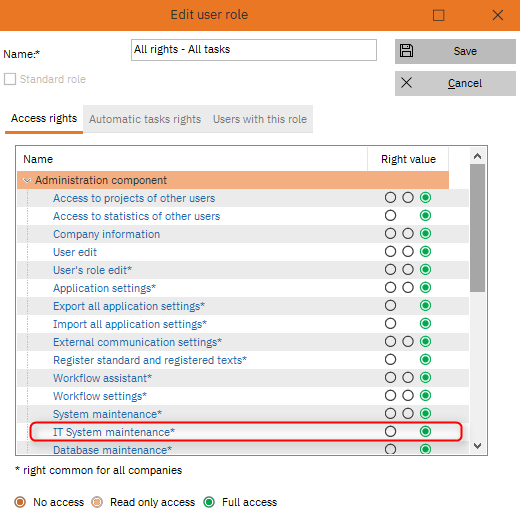
Then go to Other options > Applications settings > Applications settings > System tab. Under Download updates, you will see Manage installation at the main level. If the user ticks this box, all the installations done will be also implemented for all the store in its franchise.
Comments
0 comments
Article is closed for comments.